
Searching Cases by Name
The Tyler UCMS Smart Search takes either a record number or a name typed Last, First Middle Suffix. Add a court or location filter when the portal offers one. Kimble sits in a five-county district. A matching name by itself proves nothing about where the case belongs. Common names sort out quickly when you narrow the filing-date range and case type. There is no need for sensitive identifiers.
- Open Smart Search in a browser with JavaScript and cookies enabled.
- Select Cases rather than Judgments or Warrants when seeking a court case.
- Enter the last name, then add the first name only if the result list is broad.
- Choose Kimble County or the relevant court and add a reasonable filing-date range.
- Open a likely result and compare its court, number, style, type, and filed date.
- Record the cause number and verify the entry with the correct clerk when accuracy matters.
| Field label | Type | Required | Notes |
|---|---|---|---|
| Search value | Text | Yes | Record number or Last, First Middle Suffix |
| Record type | Checkbox | No | Cases, Judgments, or Warrants |
| Location | Dropdown | No | Select Kimble when exposed |
| Case type / status | Dropdown | No | Use only known filters |
| File date | Date range | No | Widen after an empty search |
Kimble County UCMS Search
One doorway into Kimble County court records runs through the Texas UCMS Public Access Portal. The county clerk pages point visitors there. Its landing page lays out the ground rules: public cases come from counties enrolled in the UCMS program, and the site needs a current browser with JavaScript and cookies enabled. That last part matters more than it sounds. If those settings are off, a Kimble County case search can return a blank screen that looks like no results at all.
The official landing page shows the public-access entry point itself.
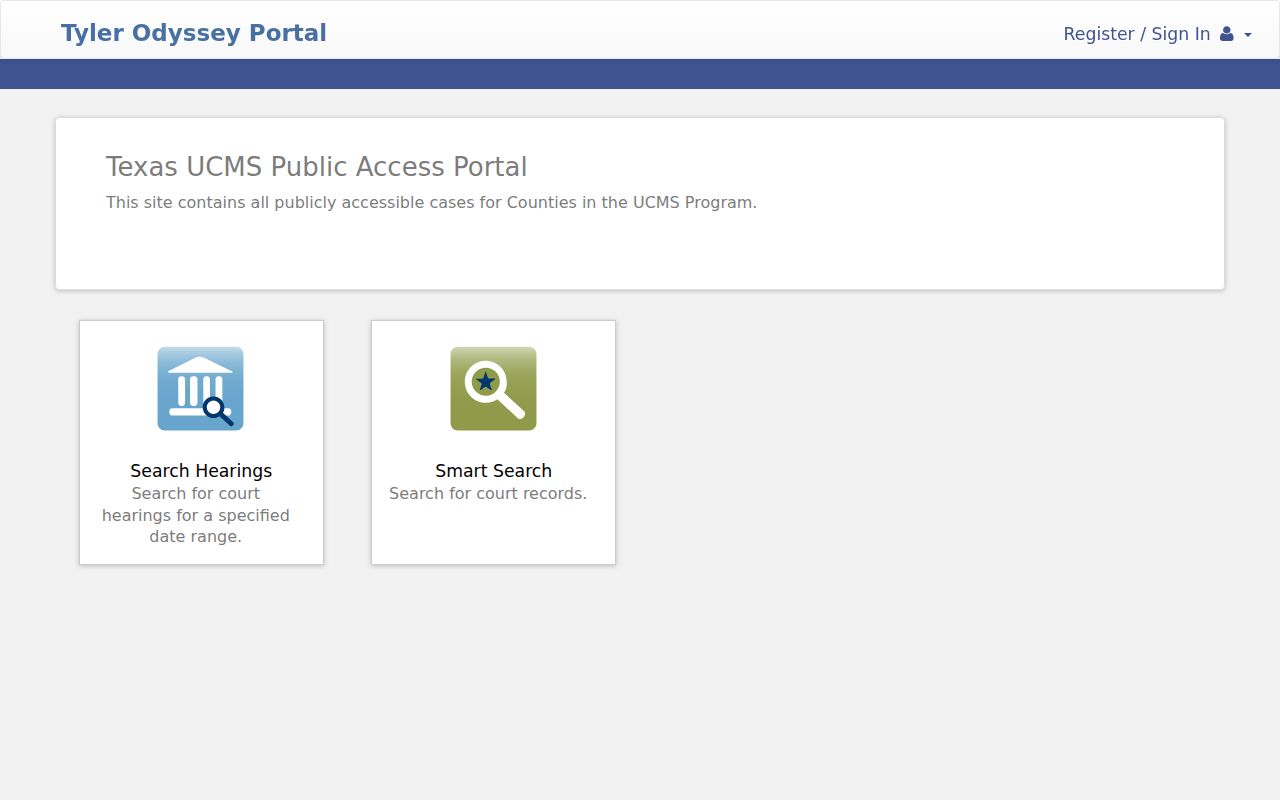
If the portal will not load, try a supported browser before assuming no case exists. Access still blocked? The clerk fallback is your next stop. Smart Search adds advanced fields, and it keeps case records apart from other record categories on the UCMS portal.
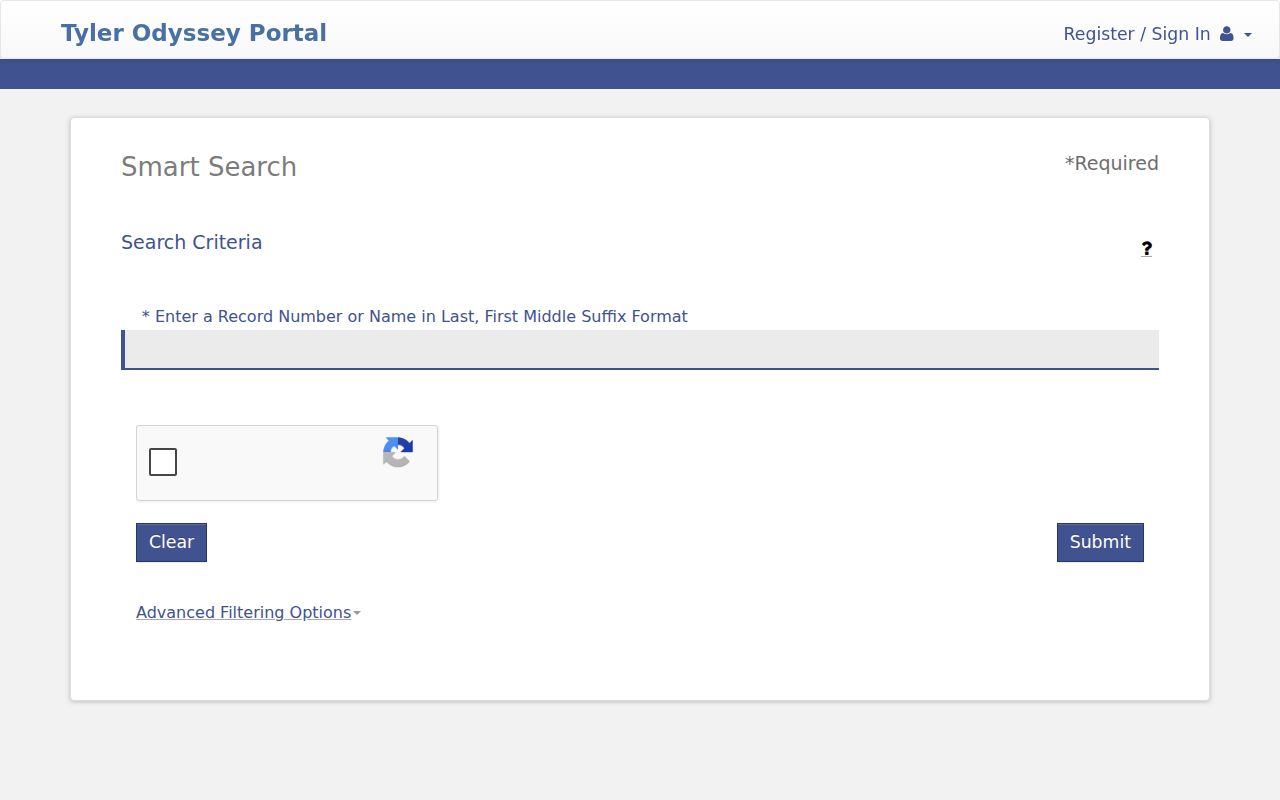
The filters cover party or business name, nickname, Sounds Like, case status, file date, judicial officer, and specific judgment or warrant controls. Skip phone, booking, or similar identifiers unless they are truly essential and appropriate for the public record you seek.
sentences
short
image_after
Searching by Case Number
A cause number you already have is the cleanest key for a Kimble County docket search. Type it exactly as printed on the pleading, notice, citation, or order, keeping the punctuation if the portal accepts it. There is no single number format shared by every District, County, JP, and municipal case, so inventing a pattern would only mislead. A safe illustration is [full cause number from notice] rather than a guessed local code.
When the exact number fails, work slowly. Strip out spaces or punctuation one change at a time. Check that Cases is selected, and confirm the right court and county before assuming the case is missing. Older files, restricted matters, freshly filed cases, or a court system not yet tied into the portal may simply not appear. A call to the clerk with the full number, court, party name, document sought, and approximate filing date will usually settle it.
Kimble County Hearing Search
Kimble County hearings live in a different corner of UCMS than case searches do. The two get confused often. Hearing search filters by location, hearing type, judicial officer, courtroom, party name, and date range. The dropdowns fill in live. So the current Kimble County choices appear when the page loads rather than in any fixed list.
The Hearings dashboard on the state portal is the official spot to set those hearing-search controls. They are separate from Smart Search.
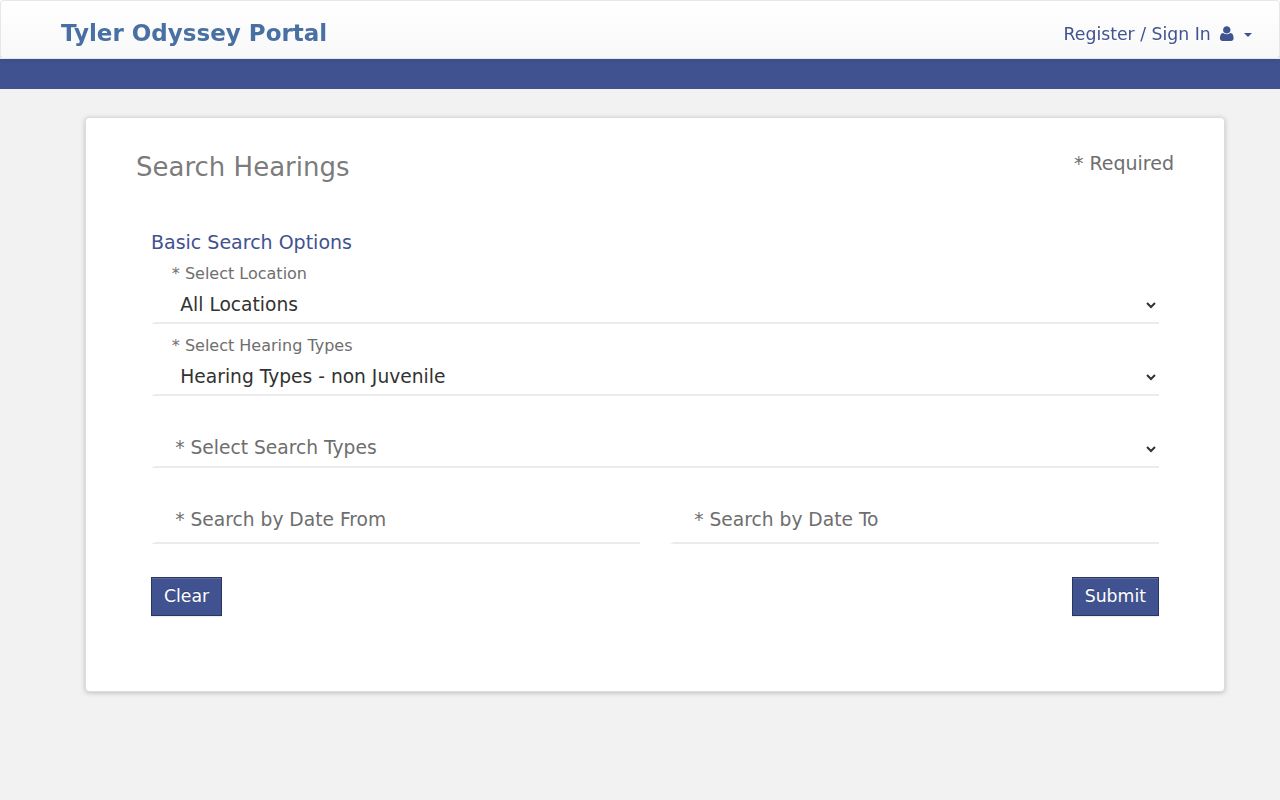
Hearing search answers one question: the next setting. Smart Search answers the broader one, the full case register. One exception deserves note. A child-protection date may surface instead through the separate 452nd posting-docket system, which is narrow and never opens the underlying DFPS file.
What a Case Search Returns
A public case lookup can return a lot. The results may include the case summary, parties, attorneys, judicial officer, register of actions, hearings, filings, and public documents where available. The register of actions is the dated event list at the heart of the docket. It tells you something was filed or set on a date. It does not hand you the full document image behind that entry. How much shows up depends on the portal. Its access rules set the limit.
| Case Number | The court's identifier used to reopen the result and request records. |
|---|---|
| Style / Parties | The public case caption, subject to privacy restrictions. |
| Case Type | The public category, such as criminal, civil, family, or probate. |
| Filed Date | The date the clerk opened or received the matter. |
| Status | An open, active, closed, or disposed label, which should be read with events. |
| Hearings / Filings | Public dates and docket entries, with images only where access permits. |
Keep in mind that a portal printout is not a certified copy. For certified court records, the District Clerk holds the files of the 452nd District Court, while the County Clerk covers the constitutional County Court along with probate, county-civil, and county-criminal routes.
Route a Kimble County Case
Which office holds a Kimble County docket? It depends on which court has the case. The 452nd District Court hears district-level matters across Edwards, Kimble, Mason, McCulloch, and Menard. A docket search there means selecting both that court and Kimble County. Below that sits the constitutional County Court, which is not a County Court at Law. Its records route through the County Clerk instead.
| Court | Typical public route | Offline fallback |
|---|---|---|
| 452nd District Court | UCMS or re:SearchTX when covered | District Clerk |
| Constitutional County Court | UCMS or re:SearchTX when covered | County Clerk |
| Justice Court | Case-specific court route | Justice Court office |
| Junction Municipal Court | No official public docket found | Municipal court contact |
| Federal court | PACER / CM/ECF | WDTX Austin Division clerk |
One more distinction matters here: eFileTexas is a filing system, not a search portal. It transmits court filings for authorized users only. For public viewing of a Kimble County docket, UCMS, re:SearchTX, or the clerk remain the routes.
Statewide vs County Case Search
Both Kimble clerk pages link to re:SearchTX as the statewide layer for court records. Its official guide covers case and hearing searches, advanced search, case details, filings, documents, alerts, and saved folders. The scope is broad. There is no single universal trial-court search, Texas itself warns. Local participation and integration shape what a docket search returns.
| re:SearchTX | Kimble-linked UCMS |
|---|---|
| Searches participating Texas court data | Searches public UCMS county data |
| Useful for a possible multi-county matter | Useful for a likely local record |
| May show summaries, hearings, and documents | Separates cases, judgments, and warrants |
| Browser or session access may be required | JavaScript and cookies are required |
When you cannot tell which court holds a Kimble County case, search both layers and confirm with the clerk. Treat iDocket with care, too. Its landing page describes property-record indexes and documents rather than court dockets, so its actual case scope needs confirmation from the clerk before you rely on it.
Kimble Search With No Result
A blank screen does not mean the case is absent from the Kimble County court docket. Small things cause empty results. A misspelled name, the wrong court, tight date limits, a filing too new to post, or older records the system never absorbed. Sealed and confidential matters will stay hidden too. So will cases filed in another county inside the district. Start narrow, then widen the docket search before you call the clerk.
- Check the court and select Kimble County.
- Try Last, First order, then Sounds Like where offered.
- Remove optional filters and widen the filing-date range.
- Search the exact case number from an official document.
- Cross-check re:SearchTX and UCMS.
- Contact the proper clerk with the court, date range, party name, cause number, and requested document.
If the portal blocks you, the county accessibility page lists other ways to reach county offices. Junction Municipal Court posts no docket online. Call the court directly instead.
Access and Restricted Cases
Public access to court records has legal limits. Texas Rule of Civil Procedure 76a governs sealing of civil court records. Rule 21c requires sensitive data to be redacted. Juvenile records face restrictions under Family Code chapter 58. So a sealed or redacted item can be missing even when another public entry shows the case exists.
The 452nd District Court's May 15, 2024 DFPS order bars public access to documents in covered child-protection suits. A posted docket is not a way into a protected case file. Expunged and other confidential records will not appear in ordinary public results either.
Public search boundary. Use public names, dates, court, and cause numbers only as needed. Never submit Social Security, financial-account, full birth-date, home-address, or minor-identifying data as a casual search key.
Verify Kimble County Search Results
A docket search pays off when you turn the result into a verified record route. Write down the cause number, the exact court name, the filing date, and the title of any public document. Ask the Kimble County clerk whether the item comes as a plain copy or a certified copy. Certification is the clerk's formal statement that the copy matches the official court record.
Go back to the originating court for time-sensitive status. A warrant checkbox or an empty results screen is not a final answer on current warrant status. An open or closed label needs the event history too, since one claim, party, or post-judgment issue can live on after other parts are resolved.
Note: re:SearchTX and UCMS help with discovery, but the responsible Kimble County clerk holds the official court record.